Snap any room and watch it transform — photorealistic, in seconds. Swap furniture, restyle a whole space, or reimagine your home's exterior. No design skills required.
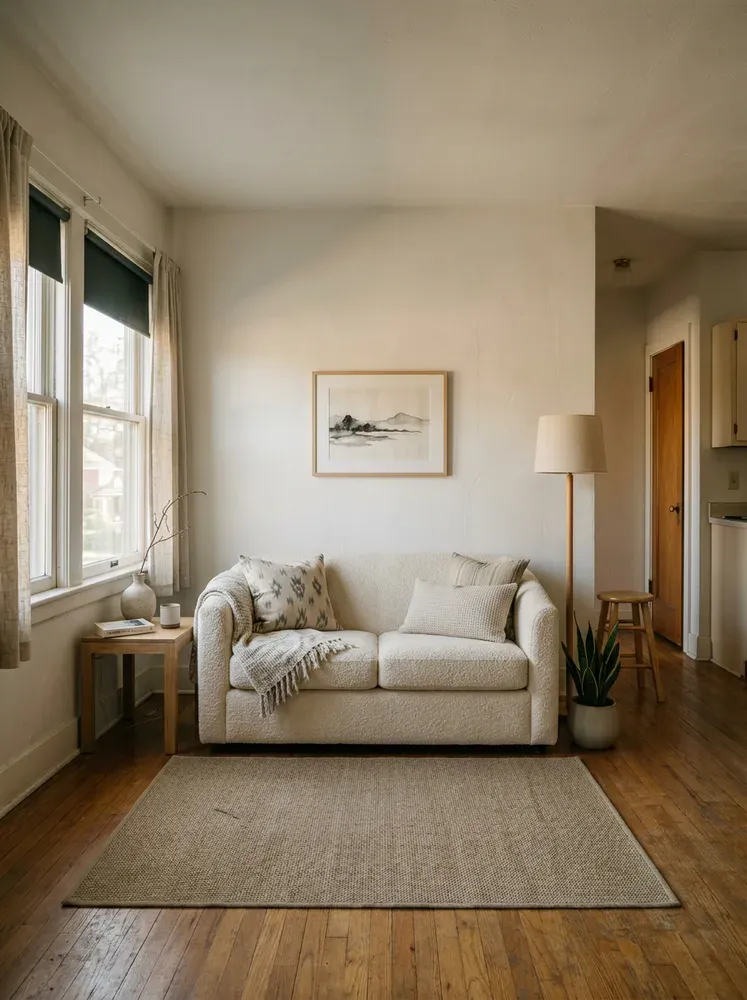
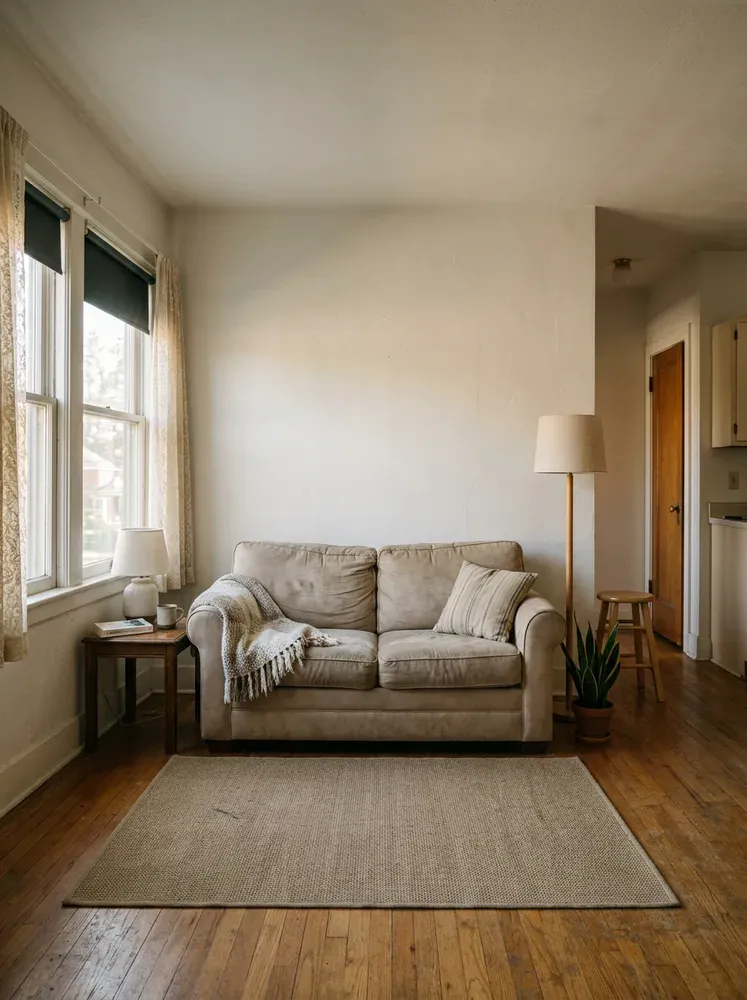
From a single new sofa to your whole facade — pick a mode, add a photo, and watch it happen.
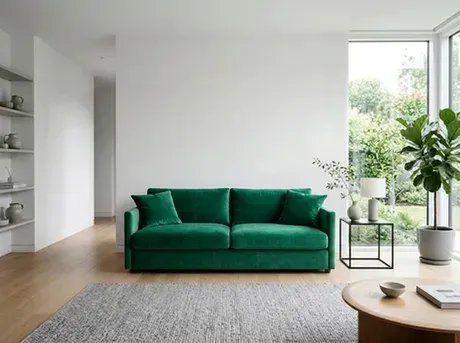
Replace or add any single item — a sofa, a rug, curtains — from a photo or a text description.
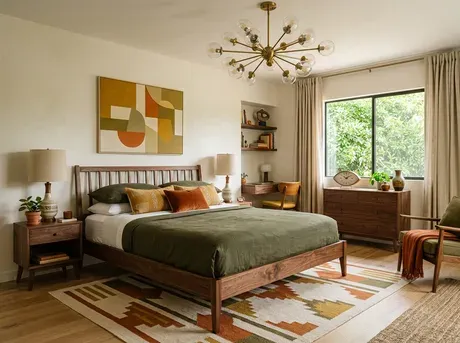
Match an inspiration photo and let Homeful redress your whole room in that look.
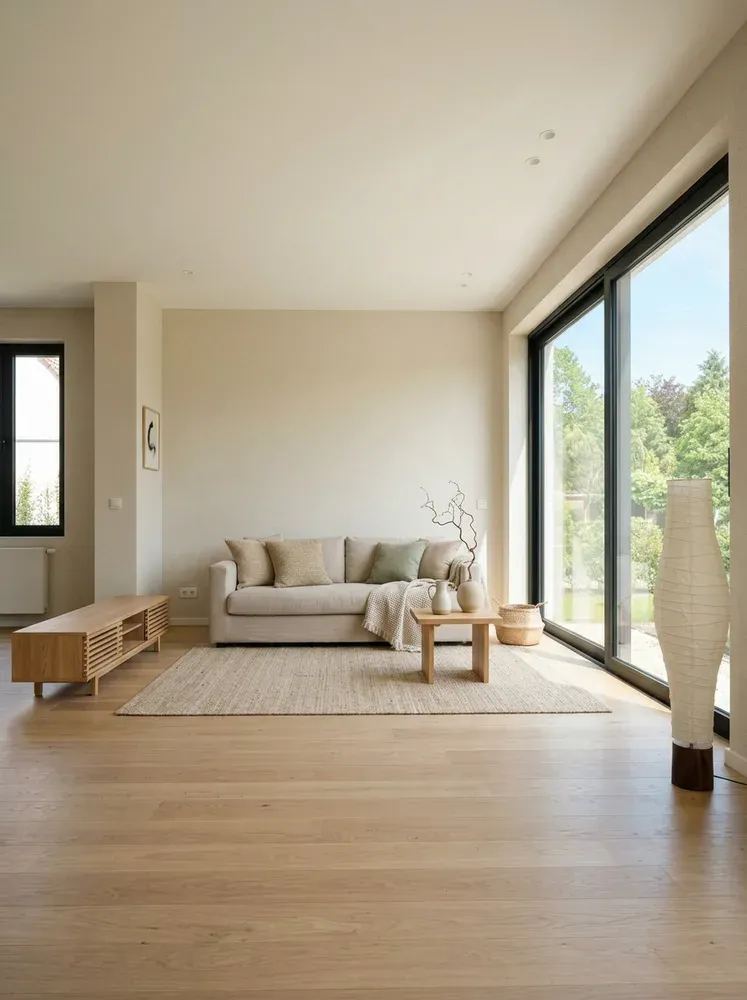
One tap to a whole new aesthetic — Japandi, Boho, Scandi and more, tuned to your room.

Repaint walls, swap floors, retile and refinish trim without touching the furniture.

Reimagine your facade, roof, siding and garden — see the curb appeal before you commit.
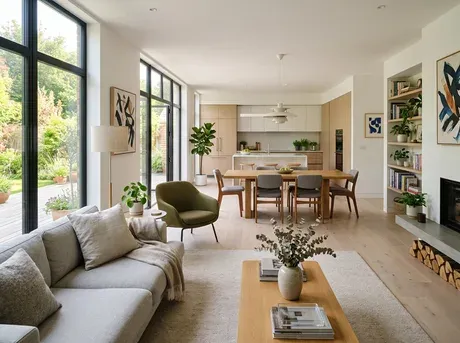
Furnish an entire home from a single plan, room by room, in one coherent style.
Take a photo or pick one from your gallery — any angle, any lighting works.
Choose a style, swap an item, or describe the change in your own words.
Get a photoreal result in seconds. Compare, tweak, and save the ones you love.
Slide the handle to see the transformation. Keep, refine with one line of text, or generate a fresh variant — all inside the app.
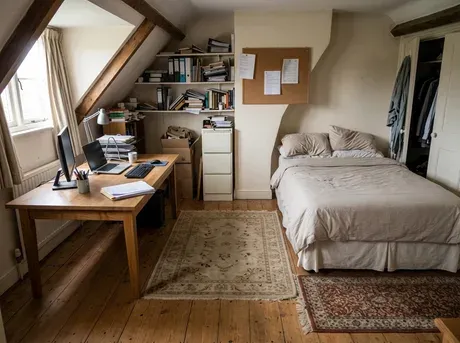
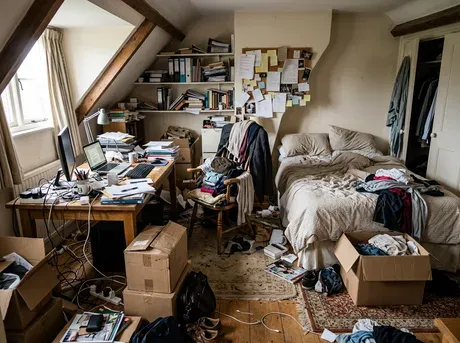
"We were about to buy a huge sectional. Homeful showed it would swallow the room — saved us $2,000 and a headache."
"I test wall colors on my lunch break now. My landlord approved the repaint after one look at the render."
"The exterior mode sold my clients on a full facade redo. It just makes the vision obvious."
Yes — every new account gets 3 free makeovers with no card required. After that, an affordable plan unlocks watermark-free results, all modes, and unlimited variants.
Homeful generates photorealistic renders that respect your room's real geometry, lighting and perspective, so what you see is close to what you'd actually get.
Individual furniture, whole styles, wall and floor surfaces, and even your home's exterior. Pro users can furnish an entire floor plan at once.
Your photos are processed securely and are never sold or shared. You can delete any creation, and its source photo, from the app at any time.
Homeful runs on iPhone and iPad (iOS 16+) and Android phones and tablets (Android 10+). Your makeovers sync across every device you sign in on.
Download Homeful and get 3 makeovers free. No credit card, no watermark on your first look.
Press, partnerships, or a question about your account — we usually reply within a day.
We'll be in touch at the email you provided.